
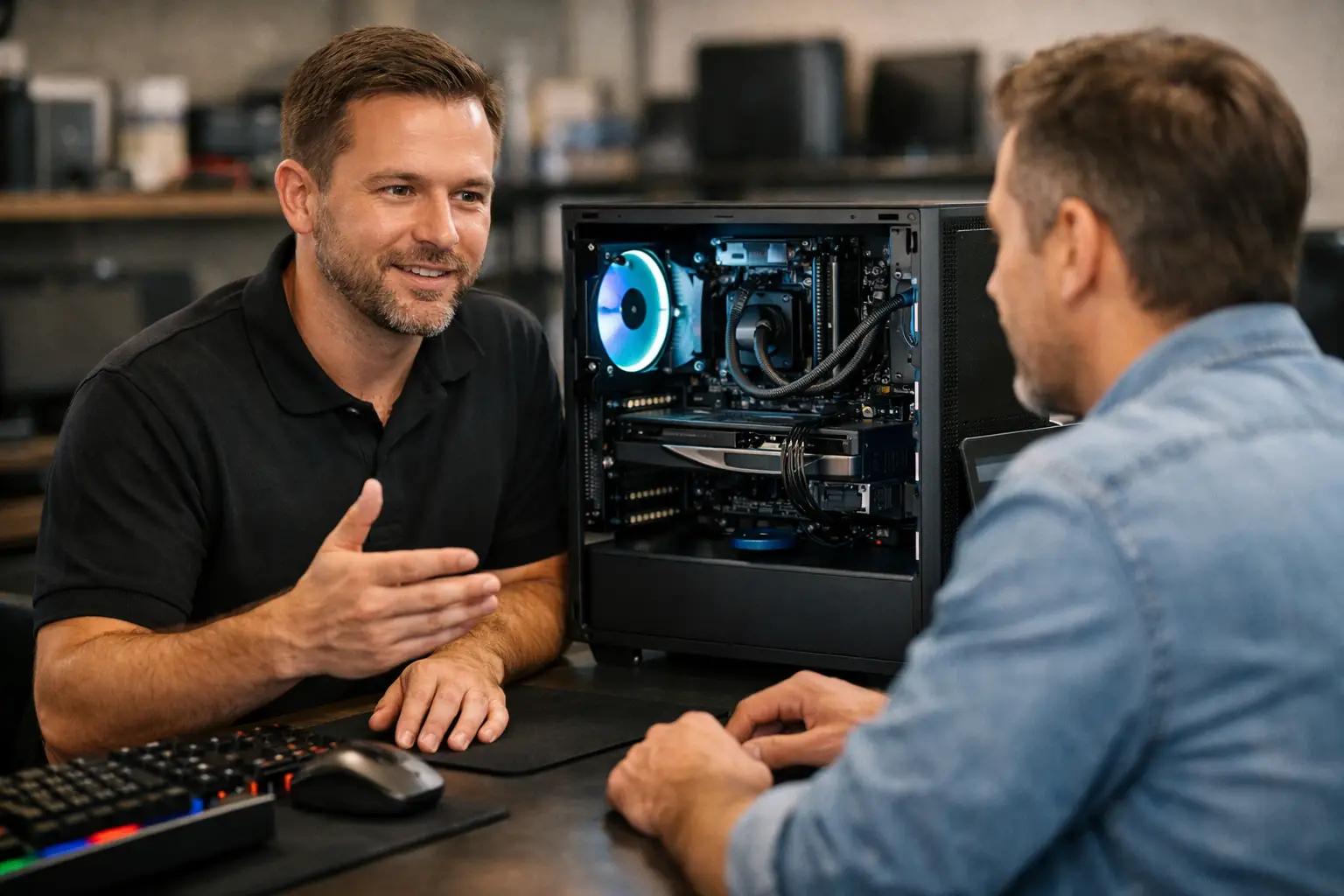
A computer that takes ten minutes to start, freezes during video calls or cannot run the programs you need is more than an annoyance. It gets in the way of work, study and everyday life. When you search for custom built computers near me, you are usually looking for more than a box with parts inside. You want sensible advice, dependable performance and someone local who will stand behind the result.
A custom-built computer can be a very good investment for home users, home offices and small businesses. The key is making sure the computer is built for the jobs you actually do, not for an impressive-looking specification that adds cost without adding value.
Why choose a custom-built computer?
Off-the-shelf computers suit plenty of people, particularly when the requirements are simple and the price is right. They are readily available and can be a good choice for web browsing, email and basic paperwork. The compromise is that their parts are chosen to meet a broad price point, not your individual needs.
A custom build starts with a conversation. A retiree who wants to store family photos, manage banking and make video calls needs something quite different from a bookkeeper running several business applications, or a trades business managing quotes and invoices. You may need a quiet desktop for a home office, extra storage for photos and files, or enough power to run design software without frustrating delays.
The benefit is not simply higher performance. It is getting the right balance of speed, storage, reliability and budget. It also makes future upgrades easier in many cases. Rather than replacing the whole computer when your needs change, you may be able to add memory, storage or a better graphics card.
What should a custom computer include?
The best specification depends on how the computer will be used. A good local technician should ask questions before recommending parts: what programs you use, whether you work from home, how much data you keep, how many screens you need and what is currently causing frustration.
Processor and memory
The processor is the computer’s working engine. For everyday tasks such as internet browsing, email, online banking and documents, a modern entry or mid-range processor is generally suitable. For accounting software, heavy spreadsheets, photo editing, multiple screens or business multitasking, stepping up to a stronger processor can make a noticeable difference.
Memory, also called RAM, helps when several programs are open at once. Too little memory can make an otherwise reasonable computer feel slow. For many home and office users, 16GB is a sensible starting point. More may be worthwhile for demanding software, large files or specialist work, but more is not automatically better if it will not be used.
Storage that keeps up
An SSD is one of the most worthwhile inclusions in a modern computer. It improves start-up time, program loading and general responsiveness compared with older mechanical hard drives. For many customers, a solid-state drive for Windows and everyday programs, with additional storage where required, provides a practical mix of speed and capacity.
Storage needs are often underestimated. Documents take little room, but photos, videos, email archives and business backups can grow quickly. It is also wise to separate storage from backup. A large drive inside the computer does not protect your files if the computer is damaged, lost or affected by malware. Cloud storage or a separate backup solution should be part of the plan.
Graphics, screens and connections
Not every computer needs a dedicated graphics card. Standard graphics are often enough for office work, web browsing and streaming. A dedicated card is more relevant for gaming, video editing, 3D work, engineering programs or other visual tasks.
Screens matter just as much as what is inside the tower. A larger, clear monitor can reduce eye strain and make paperwork easier to manage. Dual monitors are particularly useful for home-office work, administration and small business tasks. Ask whether the computer will support your preferred screen setup, along with the USB ports, Wi-Fi and other connections you rely on.
Questions to ask when comparing custom built computers near me
Local support should make the buying process easier, not more confusing. Before agreeing to a build, ask what the computer is designed to do and why the selected parts suit that purpose. Plain-English explanations are a good sign that the recommendation is based on your needs rather than a sales target.
It is also worth confirming whether the quoted price includes Windows, setup, security software, data transfer and delivery. A cheap-looking computer can become less appealing once essential extras are added. If you are replacing an old machine, ask how photos, documents, email and saved passwords will be handled. Data transfer needs care, especially if important business files or years of family photos are involved.
For business use, ask about downtime. Can the computer be prepared before the old one is disconnected? Will printers, email, accounting software, shared folders and network access be tested? A new computer is only useful once it works properly in your normal routine.
Finally, find out what support is available after installation. Technology does occasionally misbehave, even with quality parts. Knowing you can speak to a local person who understands your setup is often worth more than a generic help line.
The value of on-site setup
A custom computer is not truly ready just because Windows has been installed. It needs to connect to your Wi-Fi, printer, email, cloud files and any devices you use every day. For a home office or small business, it may also need secure access to shared files, scanning equipment, specialised software and multiple monitors.
On-site setup removes much of the hassle. You do not need to unplug everything, carry a heavy desktop to a shop, then try to reconnect it all at home. A technician can see the whole environment, identify Wi-Fi weak spots or cabling issues, and make sure the new system works with your existing equipment.
This is particularly helpful in regional and rural areas, where internet arrangements, outbuildings and longer Wi-Fi distances can create issues that are not visible on a workbench. The computer itself might be excellent, but it still needs a reliable network to perform properly.
When refurbished or upgraded may be the better choice
Custom-built does not always mean brand-new is the only answer. A quality refurbished computer can be excellent value for straightforward home or office work, particularly where the budget is tight. It should be assessed carefully, fitted with suitable storage and memory, and supplied with a properly licenced, supported operating system.
In other cases, an upgrade can extend the useful life of your current computer. Replacing an old hard drive with an SSD, adding memory or moving to Windows 11 may solve the issue for far less than a full replacement. This depends on the age and condition of the hardware. Very old systems may not support current software reliably, and spending too much on upgrades can be false economy.
Honest advice means considering all three options: upgrade, refurbished replacement or a new custom build. The right answer is the one that suits your workload and budget for the years ahead.
A local computer built around your needs
For customers across Caboolture, Morayfield, Wamuran, Woodford, Elimbah and Kilcoy, local service can make buying a computer far less stressful. AllTec Computer Services can help assess what you need, build a suitable system and set it up where it will be used.
The goal is not to sell the most expensive computer. It is to provide a dependable machine that starts quickly, handles your everyday tasks and can be supported by someone who is easy to contact. Before you replace your next computer, take a moment to list what you need it to do – that simple list is the best starting point for a computer that feels right from day one.