
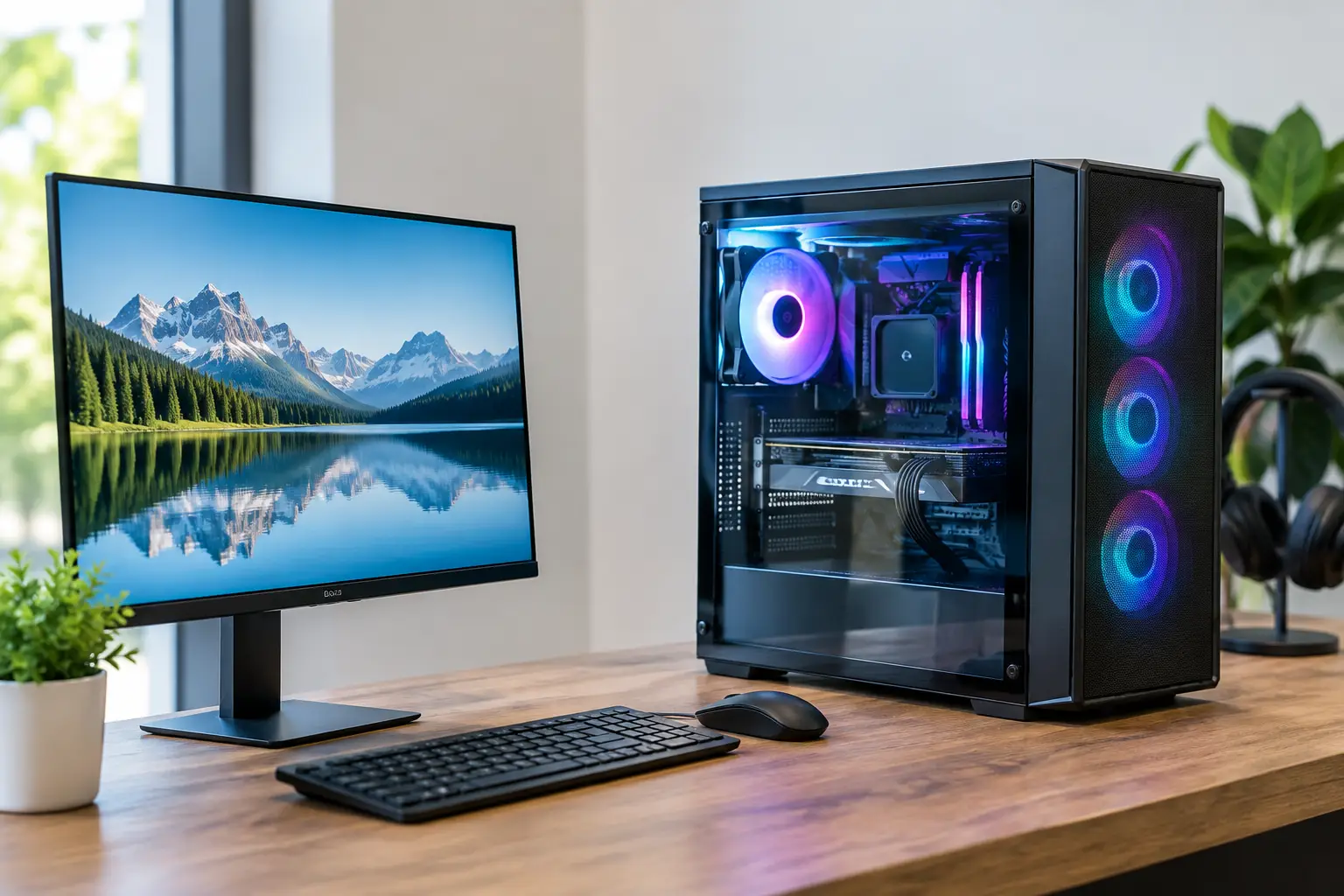
A computer that takes ten minutes to start, drops out during video calls or cannot keep up with everyday work is more than an annoyance. When you are looking for the best custom computers Morayfield has to offer, the aim is not simply the fastest machine on paper. It is a computer built around what you actually do, with practical local advice available if you need help after setup.
A custom-built computer can be a sensible choice for home users, gamers, home offices and small businesses throughout Morayfield and the wider Moreton Bay area. Rather than paying for features you will never use, you can put your budget towards the parts that make the biggest difference to your day.
Why choose a custom computer in Morayfield?
Many off-the-shelf computers are designed to appeal to the broadest possible market. That can mean plenty of storage but too little memory, a capable processor paired with a slow hard drive, or a compact case that makes later upgrades difficult. They may work well enough at first, but a mismatch in key parts soon becomes noticeable.
A custom computer starts with a conversation. Are you checking emails, managing family photos and banking online? Running accounting software and handling customer records? Editing photos, producing plans or playing current games? Each job calls for a different balance of processor speed, memory, storage, graphics and connectivity.
It also gives you a clearer path for the future. A thoughtfully selected desktop can often accept extra memory, another drive or a graphics upgrade later on. That does not mean every custom PC needs top-end components. In fact, spending more than necessary is just as unhelpful as buying a computer that is underpowered. The right build is the one that suits your work, space and budget now, while leaving sensible room to grow.
Best custom computers Morayfield buyers should consider
There is no single best computer for every household or business. The best choice depends on the software you use, the number of people relying on it and how long you expect it to serve you. These are the most common types of custom builds worth considering.
Everyday home computers
For web browsing, email, online forms, streaming, schoolwork and storing photos, reliability matters more than flashy specifications. A modern processor, enough memory to keep several browser tabs open comfortably and a solid-state drive will make everyday use feel responsive.
A solid-state drive is one of the most noticeable improvements for many home users. It helps Windows start faster, opens programs quickly and removes much of the delay associated with older mechanical hard drives. If you have years of photos and files, a larger second drive or a suitable cloud storage setup may be a better answer than squeezing everything onto the main drive.
Home office and small business PCs
A work computer needs to be dependable on an ordinary Tuesday morning, not just impressive on the day it is installed. For bookkeeping, web-based systems, Microsoft 365, video meetings, multiple screens and general administration, prioritise memory, fast storage and stable networking.
Small business owners should also think beyond the computer itself. A new PC cannot solve slow Wi-Fi, unreliable backups or an ageing printer connection on its own. A tailored setup can include the right ports for your equipment, a comfortable dual-monitor arrangement, data transfer from the old computer and a check that your network is supporting the way you work.
If staff share files or customer information, security and backups deserve early attention. The best build may be modest in appearance but paired with sensible protection, secure account setup and a backup plan that is easy to maintain.
Creative and specialist computers
Photo editing, video work, music production, design software and large spreadsheets place different demands on a computer. Some programs benefit most from a stronger processor and extra memory, while others need a capable graphics card. Fast storage is particularly useful when opening and saving large files.
The trade-off is cost. A high-performance graphics card may make perfect sense for video editing or 3D design, but it is usually unnecessary for email and office documents. Sharing the names of the programs you use with your technician helps ensure the computer is specified for the real workload, not a vague label such as “creative PC”.
Gaming computers
Gaming builds need the right balance between the graphics card, processor, memory, storage and monitor. Putting the entire budget into one expensive component can leave the rest of the system holding it back. The games you play and the screen you use matter too. A computer designed for a 1080p display has different needs from one driving a high-resolution monitor at high refresh rates.
A custom gaming PC can also be built with cooling, power supply quality and future upgrades in mind. These details are easy to overlook, yet they influence noise levels, reliability and whether upgrades are straightforward later. A tidy, well-built system is easier to service than a computer packed with mismatched components.
What should be included in a tailored build?
The computer tower is only part of the decision. Before choosing components, consider where the computer will sit and what needs to connect to it. A family desktop may need plenty of USB ports, Wi-Fi and an easy-to-use monitor. A business workstation may need two displays, wired network access, specialised printer connections or room for secure local storage.
Windows setup is another practical consideration. A properly prepared computer should be ready for its intended user, with required software installed and updates completed. If you are replacing an older machine, plan the data transfer carefully. Documents, photos, emails, browser favourites and accounting files can all need attention, and not everything should be copied across without checking.
It is also worth deciding what happens to the old computer. In some cases, it can be upgraded and kept as a spare. In others, it may be better to remove personal information securely before recycling it. The right option depends on its age, condition and whether it can run supported software safely.
Local advice makes the difference
Buying parts online can look cheaper at first glance, especially when specifications are difficult to compare. But a list of components does not include help with selecting compatible parts, assembling the system, moving your files, connecting devices or resolving a problem once the computer is on your desk.
Local support is particularly valuable when you are unsure what has gone wrong. Instead of boxing up a computer and dealing with a distant seller, you can speak with someone who understands your setup. For households, that may mean help connecting a printer or improving Wi-Fi coverage. For a small business, it may mean reducing downtime by checking the computer, network and software together.
AllTec Computer Services provides custom computer solutions along with on-site and remote support for Morayfield, Caboolture and surrounding communities. That service-led approach is useful when you want a computer fitted to your needs and someone local to explain the choices in plain English.
Questions to ask before you buy
Before committing to a custom build, make a short note of the tasks that frustrate you on your current computer. Mention the programs you use, the files you store, any peripherals you need and whether you use one or more monitors. This gives a clearer picture than simply asking for a “fast computer”.
Ask how easily the system can be upgraded, what warranty arrangements apply and whether setup and data transfer are included. If you work from home, ask about backups and network reliability as well. If you are buying for a child, think about school requirements and how their needs may change over the next few years.
Most importantly, be honest about your budget. A good technician should explain where spending will make a noticeable difference and where a more modest part will do the job perfectly well. A tailored computer is about getting the value right, not adding unnecessary extras.
The right custom computer should make your day easier from the first login. Whether it is for family photos, a busy home office, a growing business or a favourite game, start with the work you need it to do and choose support that stays close to home.