
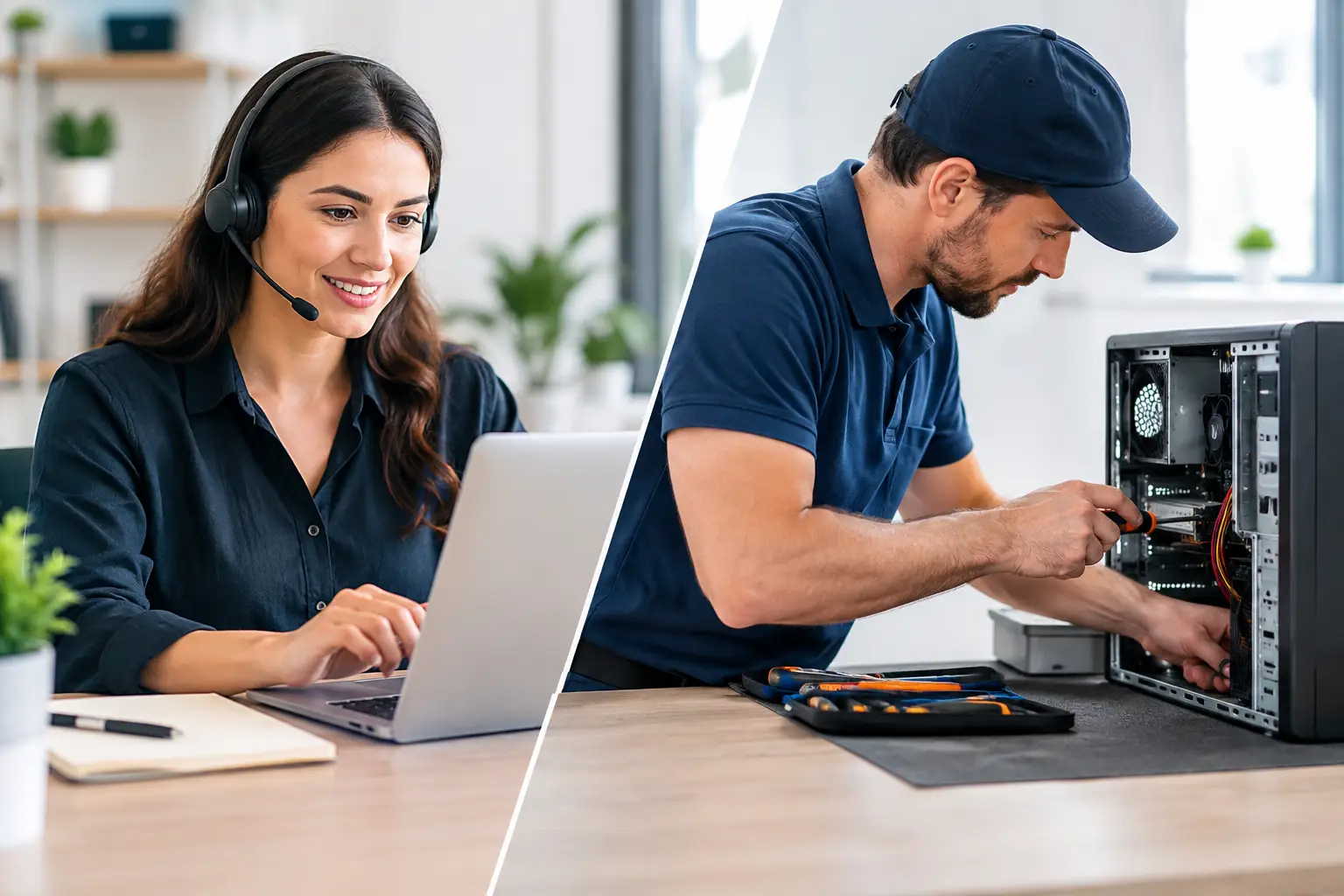
A printer that will not connect, a laptop that has suddenly slowed down, or a business computer that cannot access shared files can stop the day in its tracks. When deciding between remote support versus onsite repairs, the best option is usually the one that gets the right person looking at the right problem without creating more inconvenience for you.
For many common computer issues, remote support is fast and practical. For faults involving equipment, Wi-Fi coverage, cables, new devices or a problem that needs a closer look, an onsite visit can save time and guesswork. The key is knowing what each service can do well.
What remote support is best for
Remote support allows a technician to securely view and work on your computer over the internet while you stay at home or at your business. With your permission, they can investigate settings, install software, remove many types of malware, apply updates and help resolve day-to-day Windows issues.
It is often the sensible choice when the computer is still turning on, can connect to the internet and the problem is mainly within the system or a particular program. A technician can talk you through what is happening in plain English while addressing the issue, which is particularly helpful if you need to keep working.
Remote help can suit problems such as email setup, software errors, printer settings, Windows updates, cloud storage configuration and basic performance checks. It is also useful after a new computer has been delivered, when you need assistance setting up accounts or moving into unfamiliar software.
For small businesses, remote support can reduce downtime when an employee needs a quick fix. A user who cannot open a shared document, access email or connect to a program may not need to wait for a site visit if the fault can be diagnosed from the screen.
The advantages of remote assistance
The main benefit is speed. There is no need to disconnect your desktop, carry a laptop into town or wait for someone to arrive before simple troubleshooting can begin. For customers across Caboolture, Morayfield, Woodford, Wamuran and surrounding areas, this can be especially convenient for a straightforward issue.
Remote support may also be more economical where the problem is resolved quickly. It is focused assistance for the issue at hand, without the travel involved in an onsite appointment. You remain in control throughout, and a reputable technician should only connect after you have agreed to the session.
It does have limits. Remote support relies on a working internet connection. If the computer will not start, keeps losing power, has a damaged screen or cannot get online, there may be very little a technician can do from a distance.
When onsite repairs are the better choice
Onsite repairs bring the technician to your home or workplace, allowing them to see the full setup rather than just one screen. This matters when a fault involves physical equipment, the network environment or several devices that need to work together.
A Wi-Fi issue is a good example. Slow or patchy coverage could be caused by the router location, the building layout, interference, an ageing modem, poor settings or a device problem. Looking at the equipment in place gives a clearer picture than trying to describe flashing lights and cables over the phone.
Onsite assistance is also usually preferable for new computer setups, data transfers, hardware upgrades, replacement parts and network installations. A technician can make sure the computer, printer, router, monitor and other equipment are correctly connected and tested before they leave.
For a home user, that might mean setting up a new laptop, transferring files from an older machine and making sure email, printing and cloud backup are ready to use. For a small business, it may involve checking workstations, shared storage, internet equipment and security settings as one complete system.
Problems that need hands-on attention
A physical inspection is often the safest option when you have a failing hard drive, a computer that will not boot, overheating, unusual noises, liquid damage or repeated power problems. These faults may need replacement components, data recovery planning or testing that cannot be performed remotely.
The same applies when your internet is unreliable across the property. Rural homes, larger blocks, sheds, offices and multi-room premises can have coverage challenges that only become clear when the equipment and signal are checked in person.
Onsite support is also valuable when you are not comfortable following technical instructions. There is no shame in that. Technology should make life easier, not leave you worried about pressing the wrong button. Having someone there to explain the options and set things up properly can provide real peace of mind.
Remote support versus onsite repairs for small business
Small businesses often need both options at different times. Remote support works well for urgent software problems, user access issues and routine maintenance. It can help restore a staff member’s ability to work without disrupting the whole day.
Onsite work is more appropriate for broader problems that affect several people or devices. If every computer is dropping off Wi-Fi, a new office needs to be connected, or a server, router or printer setup needs attention, the technician needs to assess the environment as a whole.
There is also value in having someone onsite before a problem becomes urgent. A practical check of your computers, backups, network and security arrangements can identify ageing equipment or weak points before they interrupt trading. For businesses that rely on their systems every day, prevention is generally less stressful than an emergency repair.
How to choose the right type of support
Start with the basics. Can the computer turn on? Can it connect to the internet? Is the issue limited to one program or does it involve hardware, cables, Wi-Fi or several devices? These answers will usually point towards the most efficient service.
Remote support is a strong first choice if the computer is operational and the fault appears to be software-based. It is also suitable when you need guidance, updates, account setup or a quick check of a problem that has just appeared.
Choose onsite assistance if the fault is physical, the internet connection is unavailable, you are setting up or replacing equipment, or the issue affects your wider home or office network. An onsite visit is not simply about repairing a computer. It is about seeing how all the parts of your technology work together in the place where you use them.
If you are unsure, describe the symptoms rather than trying to diagnose the cause. Mention what happened before the issue started, any messages on screen, whether other devices are affected and what you have already tried. Clear details help a technician recommend the right approach and avoid unnecessary delays.
Local help should fit the problem
There is no one-size-fits-all answer. A forgotten email password and a failed desktop power supply are both computer problems, but they need very different solutions. The best service is the one that is practical, transparent and matched to what is actually happening.
AllTec Computer Services provides both remote assistance and a mobile, onsite service for homes and small businesses across Moreton Bay and nearby South East Queensland communities. That means you can seek quick help for suitable software issues or arrange hands-on support when your setup needs to be inspected, repaired or upgraded.
A good outcome is not just getting the computer working again. It is leaving you with a setup you understand, equipment that suits your needs and a clear path forward if the problem returns. When something goes wrong, a short conversation about what you are seeing can be the quickest way to decide whether remote help or an onsite visit will get you back on track.